LightShot for AI · Windows
Ask AI about what's on your screen — without leaving your work
Select a screen area with a hotkey, ask a question, and get an answer over your desktop. Your key, your model — requests go straight to the provider, nothing passes through us.
Free foreverWindows 10 & 11Your keys or local models
OpenAI · Anthropic · Gemini · OpenRouter Ollama · LM Studio · llama.cpp · vLLM
How it works
From question to answer in a single hotkey. No browser tabs or manual screenshot uploads.
- Select an areaPress Alt + ~ and drag over the part of the screen you need
- Ask or run a presetTranslate, explain, extract text — or ask your own question
- Keep the conversation goingAsk follow-ups and add new screenshots to the same chat
Real windows, not a concept
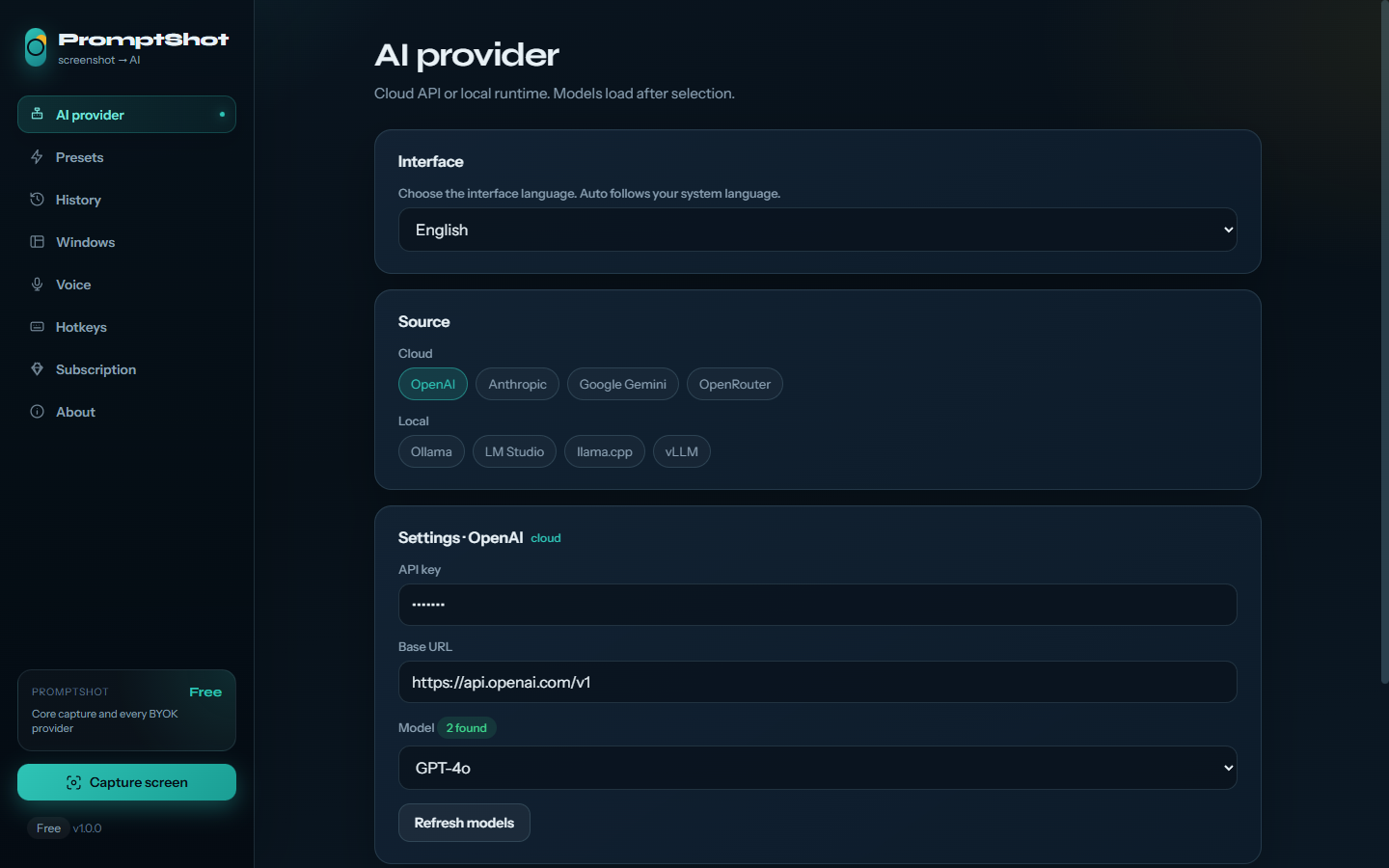
The actual PromptShot interface: cloud and local providers, models, and hotkeys in one panel.
Free and Pro
The core workflow is always free. Pro removes limits and adds custom presets.
| What's included | Free $0 |
Pro from $3.33/mo |
|---|---|---|
| Capture, chat, and follow-up screenshots | ✓ | ✓ |
| Every provider (BYOK) | ✓ | ✓ |
| Presets | 3 + OCR | Custom + hotkeys |
| History | 7 days | Unlimited |
| History search | — | ✓ |
| Voice input & readout | Basic | Full |
| Future Pro features | — | ✓ |
Download
Installer for Windows 10 and 11. Until code signing is enabled, SmartScreen may warn about an unknown publisher. Verify that the file comes from prompt-shot.com or prompt-shot.ru.
FAQ
Where are screenshots sent?
Directly to the AI provider you selected. PromptShot servers do not proxy requests or receive your API keys.
Can it run fully locally?
Yes. Ollama, LM Studio, llama.cpp, and vLLM are supported. Use a model with vision capabilities.
Why does Windows show SmartScreen?
The first release is not yet signed with a paid Authenticode certificate. Download only from our domains.
How do I activate Pro after payment?
lava.top sends us the purchase email. Enter the activation code you receive in PromptShot → Subscription. Renewals are applied automatically after a server check.